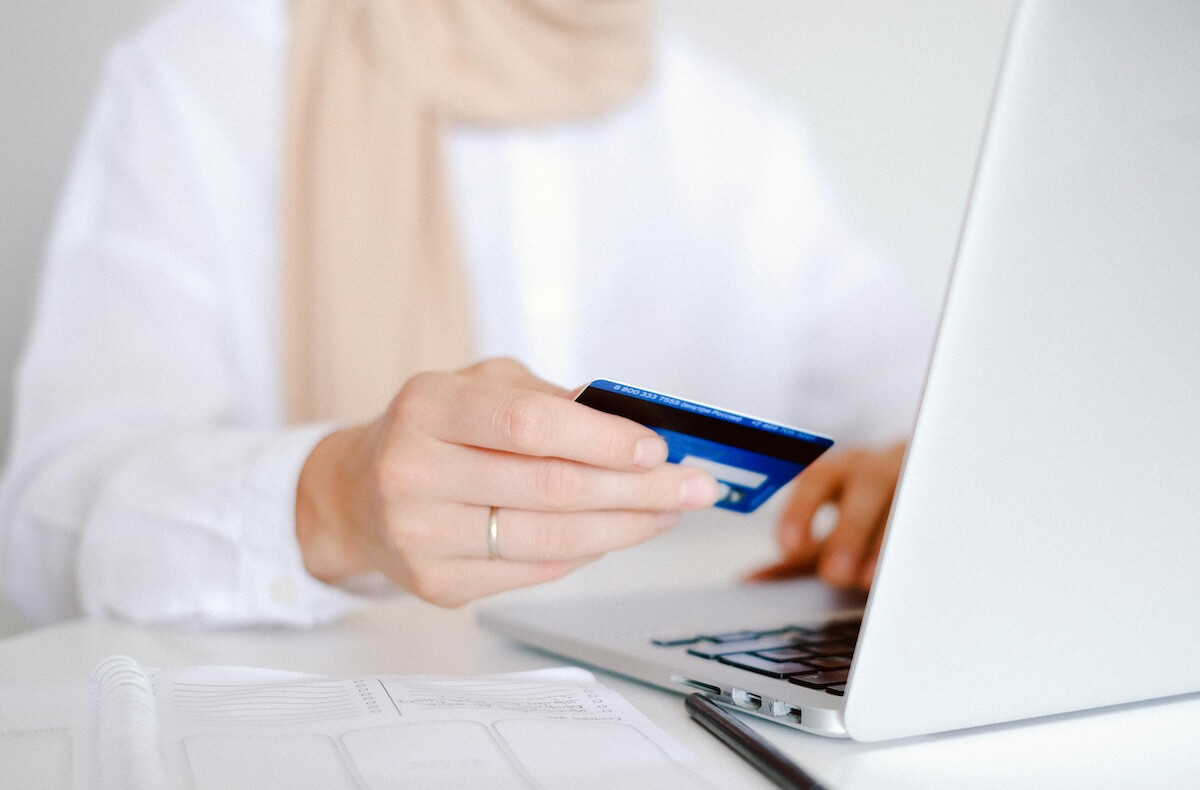

An email says your antivirus subscription has renewed for hundreds of dollars. Another claims your cloud storage will be deleted unless you update your card immediately. A third includes an invoice for a service you do not remember ordering.
These messages can look convincing, especially when they contain familiar logos, your name, and a professional-looking receipt.
The safest way to check a subscription renewal email is to open the company’s official app or website independently and compare the notice with your subscription and payment records. Do not use a suspicious message’s links, attachments, or phone numbers to verify it.
A renewal notice is not proof that money was taken. An invoice is not proof that you agreed to buy something. Understanding those distinctions can prevent a confusing message from becoming a financial loss.
read Also: How to Spot Fake Subscription Renewal Emails and Invoices
How Fake Subscription Renewal Scams Work
A scammer creates a billing problem—or claims one already exists—then offers an urgent way to resolve it.
The message might say:
- Your annual subscription has renewed.
- A large payment will be deducted today.
- Your card failed and needs updating.
- You must call immediately to cancel.
- A refund is waiting for verification.
- Your account will close unless you pay.
The aim may be to steal login details, collect card information, persuade you to send money, or get remote access to your device.
Some messages lead to a counterfeit website. Others are designed to make you call a fraudulent “billing department.”
1. Check Whether the Subscription Exists
Before responding, establish whether you have an account or payment arrangement with the named company.
Check:
- Your active subscriptions.
- Previous receipts.
- Trial confirmations.
- Family or business purchases.
- Earlier bank statements.
A forgotten subscription can produce a legitimate renewal. Equally, a scammer can impersonate a company you genuinely use.
Recognising the brand is not enough. Verify the particular message and payment.
read Also: How to Remove Your Bank Card From a Lost or Stolen Phone
2. Inspect the Sender’s Full Address
The display name in your inbox can be changed. A message labelled “Payment Support” or “Apple Billing” does not necessarily come from that organisation.
Expand the sender details and look for:
- Misspelled company names.
- Unrelated domains.
- Unexpected personal email accounts.
- Extra words designed to resemble an official address.
- A reply address that differs from the apparent sender.
However, a plausible address is not conclusive. Fraudsters may abuse compromised accounts or legitimate invoicing services.
Treat sender details as one clue, then verify through the official account.
3. Watch for Pressure to Act Immediately
Urgent language is common in renewal scams:
“Call within two hours to reverse this payment.”
“Final notice: your account will be permanently deleted.”
“Do not contact your bank until our refund team completes verification.”
A legitimate business may send time-sensitive reminders, but pressure should not stop you from checking independently.
Be particularly cautious when the message insists that its phone number or link is the only way to prevent a charge.
4. Check the Bank Record Separately
Open your bank or payment app through your normal route.
Compare the message with the actual transaction history.
| What you find | What to do |
|---|---|
| No matching charge | Check whether a genuine future renewal exists |
| A matching subscription payment | Review the official subscription record |
| An unfamiliar completed payment | Contact your issuer promptly |
| A pending entry | Ask whether it is an authorisation or payment awaiting completion |
| An unpaid invoice or payment request | Do not confuse it with money already deducted |
The absence of a charge does not automatically prove the notice is fake. It could concern an upcoming renewal.
Likewise, receiving an invoice does not mean payment has occurred.
5. Do Not Trust Logos, Invoice Numbers, or Good Grammar
Scam messages can contain accurate spelling and professional layouts.
They may include:
- A copied company logo.
- A realistic invoice number.
- A detailed product description.
- Your name or email address.
- A familiar-looking signature.
- A tax calculation.
These details make the message appear credible, but they do not establish that the sender is entitled to bill you.
An invoice number only becomes useful when the real company can match it to a genuine account or purchase.
6. Avoid Suspicious Cancellation and Refund Links
A message may offer a Cancel, Dispute, or Request refund button. That apparent solution can be the trap.
Instead of following it:
- Close the message.
- Open the company’s known app or website.
- Sign in through your usual route.
- Review billing and subscription details.
- Contact support from the verified account.
If payment information genuinely needs updating, do it inside that account.
A padlock or HTTPS connection does not prove the website belongs to the company it imitates.
7. Recognise the Fake Refund Call
A common scam begins with a false renewal invoice and a phone number.
During the call, the supposed agent may ask you to install remote-access software or open online banking. They then claim to have refunded too much and demand that you return the difference.
Requests may involve gift cards, cryptocurrency, bank transfers, or payment apps.
Do not let a stranger control your device or banking session to process a refund.
If someone claims an overpayment occurred, end the call and ask your bank to check the actual account independently.
Read Also: How to Remove Saved Cards From Websites and Shopping Apps
8. Understand That Real Platforms Can Carry Fake Requests
A genuine payment-platform notification can contain an invoice for something you never ordered.
PayPal warns that scammers can send unsolicited invoices or payment requests through its system. The invoice note may include a fraudulent support number or alarming instructions.
This creates two separate questions:
- Did the notification come through the platform?
- Is the underlying payment request legitimate?
Open the platform independently. Do not pay merely because the invoice appears inside an account.
Report an unwarranted request using the platform’s official controls.
9. Be Cautious With Invoice Attachments and QR Codes
Unexpected attachments can expose you to further risk. Do not open a document simply because it is labelled “receipt” or “cancellation confirmation.”
Similarly, treat a QR code directing you to a payment or verification page like an unfamiliar link.
Where possible, obtain the invoice from the company’s official billing portal.
Never enable software, install an application, or disclose credentials merely to view a supposed renewal document.
What to Do if You Already Clicked
The appropriate response depends on what happened after the click.
You Only Opened the Page
Close it. Do not enter information or follow further instructions.
Check whether anything downloaded and stay alert to unusual account activity. Clicking alone does not establish that your card or account was compromised.
You Entered a Password
From a trusted device or session:
- Change the affected password.
- Change it on other accounts where it was reused.
- Review signed-in devices.
- Check recovery details.
- Enable or review multifactor authentication.
Prioritise your email account if it controls password resets for other services.
You Entered Card Details
Contact your issuer promptly, even if no payment has appeared.
Explain what information you entered and ask how to secure the card. Do not assume deleting the information from the website removes the exposure.
You Installed Remote-Access Software
End the session and disconnect the affected device from the internet.
Use another trusted device to contact your bank and secure important accounts. Seek trusted technical help before continuing sensitive activity on the affected device.
For a work device, notify your IT team.
What to Do if You Already Paid
Contact the bank or payment provider immediately.
Provide the amount, date, recipient, transaction reference, and relevant messages. Explain accurately whether you authorised a payment after being deceived or discovered a transaction you never approved.
Ask what recovery or dispute options are available. The outcome depends on the payment method and circumstances.
Keep evidence and avoid anyone demanding an upfront fee for guaranteed recovery.
How to Report a Fake Renewal Notice
Use your email service’s Report phishing function.
Report impersonation through the company’s verified security channels. Apple accepts suspicious messages at [email protected], while PayPal directs suspicious emails to [email protected].
Preserve relevant records before deleting the message if money was lost or an investigation is open.
If appropriate, also report the incident through your local fraud-reporting or law-enforcement process. Reporting a message does not itself reverse a payment; contact the financial provider separately.
A Practical Verification Checklist
Before acting on a renewal email, confirm:
- The subscription exists in your official account.
- The price and billing period match.
- Any claimed payment appears in your financial records.
- Support details came from an independent, trusted source.
- Nobody is requesting passwords, verification codes, remote access, or a “safe account” transfer.
If something remains unclear, stop and verify. You do not need to resolve the matter through the message that raised the concern.
Frequently Asked Questions
Does a Familiar Sender Name Prove an Email Is Genuine?
No. Check the full address and verify the notice independently.
Can a Genuine Renewal Email Ask Me to Update an Expired Card?
Yes. Open the official account yourself before making changes.
Should I Call the Number on an Unexpected Invoice?
Use a number obtained independently from the company’s official account or website.
Can a Real PayPal Notification Contain a Scam Invoice?
Yes. A genuine notification does not establish that you ordered the invoiced service.
Should I Click Unsubscribe?
Avoid interacting with suspected phishing messages, including their unsubscribe links. Use your email service’s reporting controls.
Does No Bank Charge Mean I Can Ignore the Email?
Check whether a real future renewal exists. Do not rely on the email or the absence of a current debit alone.
Will a Company Need My Banking Password to Refund Me?
Do not disclose banking passwords or verification codes to someone offering a refund.